
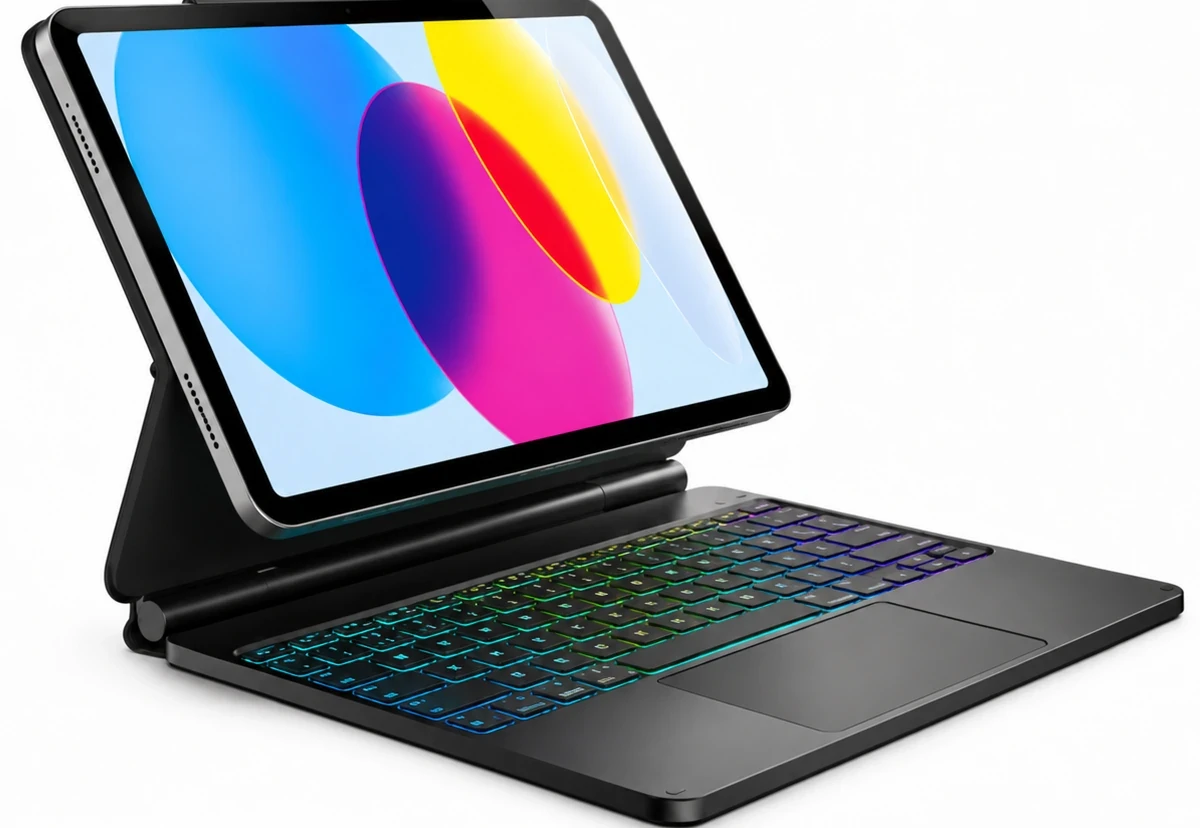
Images are illustrative. Final product appearance may vary.
Keyboard Case for iPad (A16) & 10th Gen
A floating keyboard experience designed for everyday typing, studying, and productivity.
- Stand
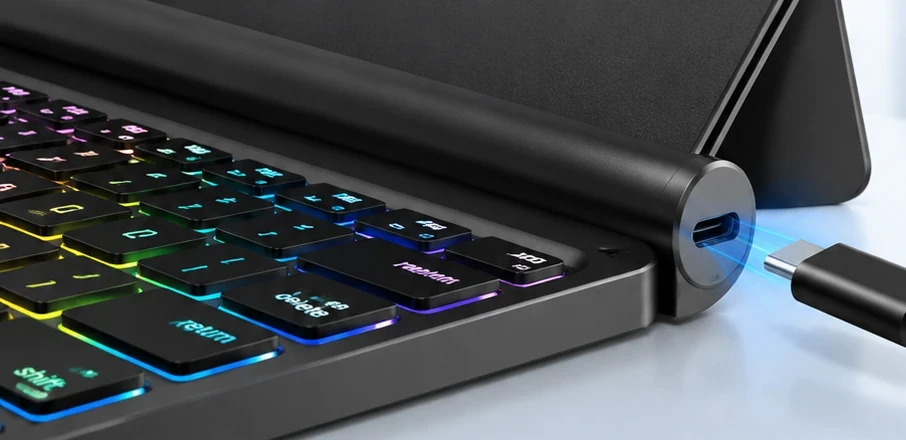
- Magnetic floating design
- Input
- Keyboard with touchpad
- Backlight
- Seven colours, three brightness levels
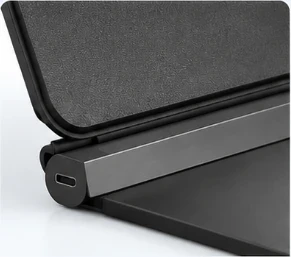
- Charging
- USB-C (keyboard)
Detail Views
Images are illustrative. Final product appearance may vary.
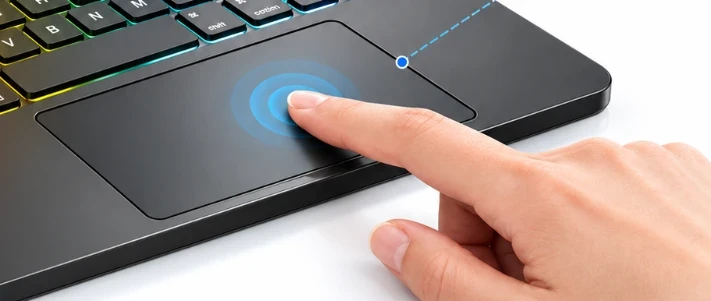
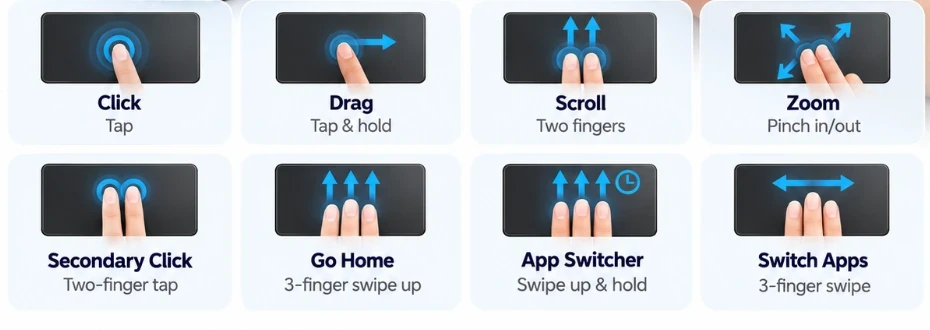
Touchpad Gestures
Move the pointer, scroll with two fingers, and switch apps with multi-finger gestures. Available gestures follow your iPadOS version.
What It Does
Magnetic Floating Design
Elevate your iPad with a floating design that brings comfort and flexibility to your workspace.
Smooth Touchpad Control
Navigate, scroll, and switch between tasks with intuitive multi-touch control.
Colorful Backlighting
Choose from seven backlight colors and adjust the brightness to suit your workspace.
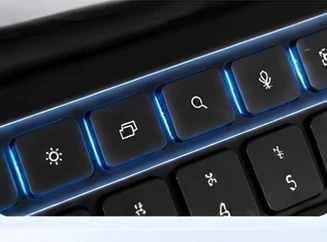
Comfortable Typing
Responsive keys and convenient shortcuts make everyday typing feel effortless.
Compatibility
iPad 10th Gen (10.9-inch)
A2696 · A2757 · A2777 · A3162
iPad (A16) 11-inch
A3354 · A3355 · A3356
How to Find Your iPad Model
Open Settings, go to General, then About. The model number starts with A. It is also printed on the back cover.
Full compatibility tablePaul B products are third-party accessories and are not manufactured or endorsed by Apple.
Specifications
- Stand
- Magnetic floating design
- Input
- Keyboard with touchpad
- Backlight
- Seven colours, three brightness levels
- Charging
- USB-C (keyboard)
In the Box
- Keyboard case
- Quick start guide (digital copy on request)
Packaging contents are confirmed at sign-off; the digital guide is available on request.
User Manual
Tell us your model and we will send the electronic guide for it. Include the model number from Settings so the instructions match your device.
Request GuideQuestions About This Model
Check the model number on the back of your iPad against the compatibility list above. If it is not listed, contact us before ordering.
Pairing is done once and remembered afterwards. The full steps are in the user guide for your model.
Use the keyboard's own USB-C port. It charges separately from the iPad.
Choose one of seven colours and adjust between three brightness levels from the keyboard.
Need Help With This Model?
We usually reply within a few business days. Response times are not guaranteed.
Where to Buy
Sales channels for this model are handled individually. Ask us and we will point you to the option that applies to your region.
Ask where to buy